Meet the new EmojiCopy
Your favorite emoji keyboard. Rebuilt around you.

 Recent Emoji
 Recent Combos
 Favorites
 Work
Work Quick Reactions
 Celebrate
 Big HeartsRecent Emoji


 Recent Combos


 Favorites


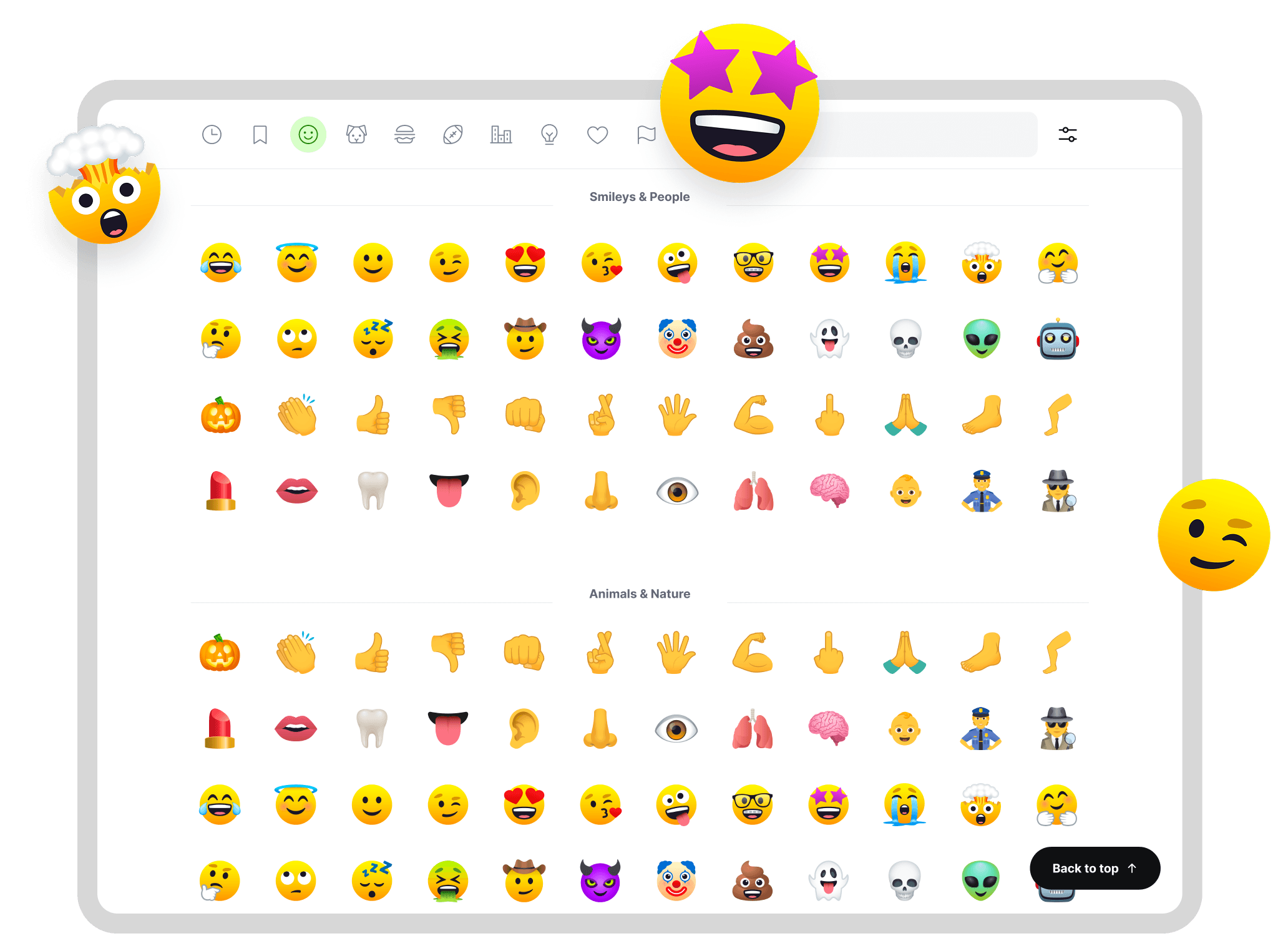
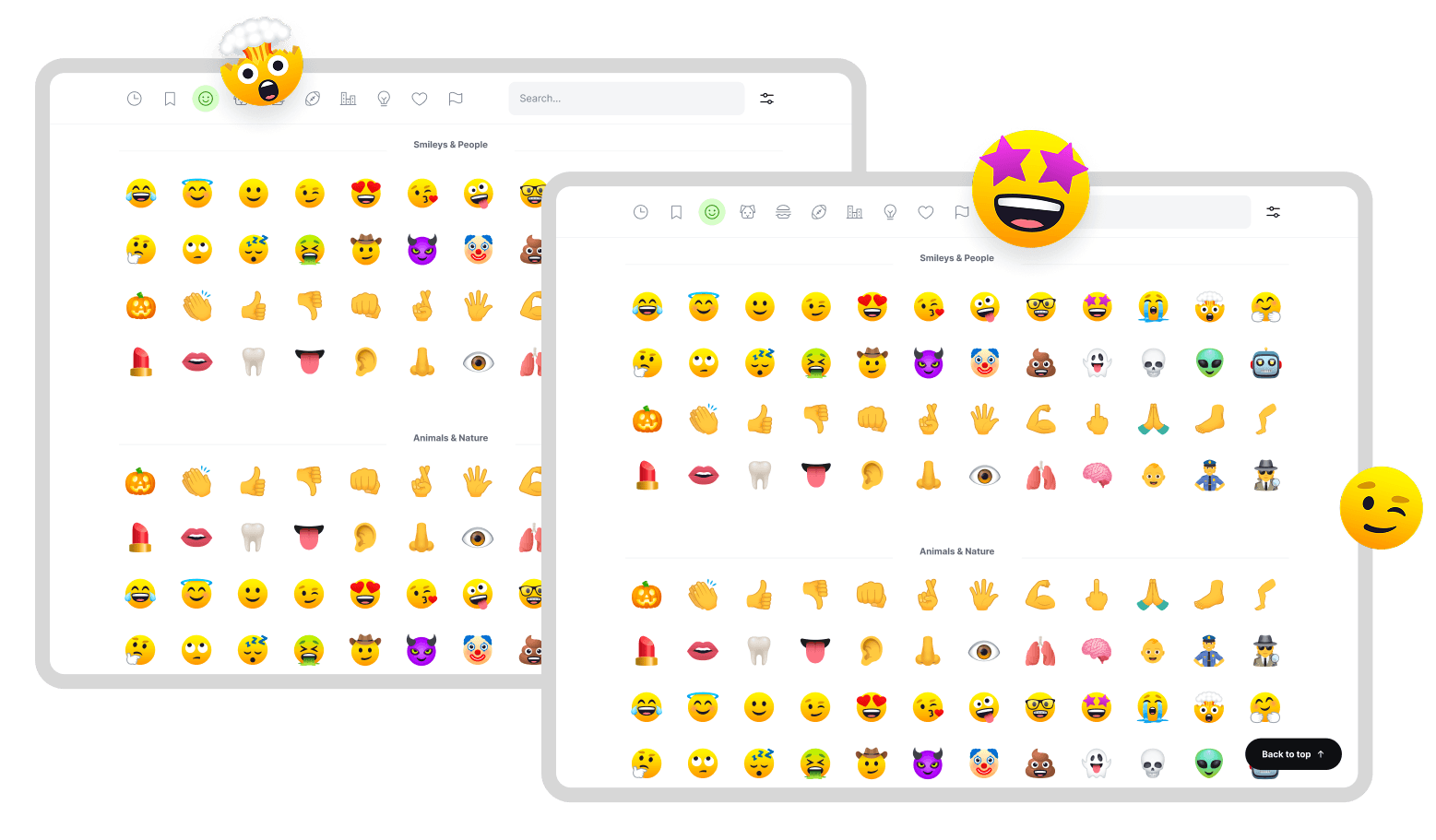
EmojiCopy is rebuilt from the ground up. Introducing one-click copy, a personal library, smarter search, and combos you can save and use again. Sign in, and your emoji follow you across devices.
Your Emoji Library
Recent emoji, favorites, custom lists, and followed collections now live together in My Emoji. Reorder your groups and keep your go-to reactions close.
[[visual:myemojifeedback]]
All-New Search
Search now delivers faster results as you type. Type anywhere to start searching, and explore the full set without breaking your flow.
[[visual:searchfeedback]]
All-new Action bar
Build a string in the Dynamic Copy Bar, drag to resort, and copy it all at once. Save up to six emoji as a combo to use again. Add to favorites and more.
[[visual:combofeedback]]
Emoji Collections
Discover up to 60+ curated sets in Collections, from Quick Reactions to Cat Lovers. Add a collection and it joins your library under My Emoji.
[[visual:collectionfeedback]]
Get more with Pro.
Give your emoji library room to grow. Pro unlocks unlimited collections and search results, expanded recents, and custom emoji lists, all with no ads, ever. Upgrade for $5/month or $48/year.
[[visual:pricingfeedback]]
Quick Settings
Change your emoji size, skin tone, and theme from the Quick Settings menu. Use keyboard shortcuts for even quicker adjustments.
[[visual:settingsfeedback]]
Expanded Settings
Open View all settings to make EmojiCopy work your way. Free users can switch between JoyPixels and native emoji and turn one-click copying on or off. Pro also lets you choose how many recent emoji and combos appear in your library.
[[visual:expandedsettingsfeedback]]
Coming Q4. A refreshed Chrome extension and a Mac app, with your library synced across all three.