The new EmojiCopy for Chrome is here
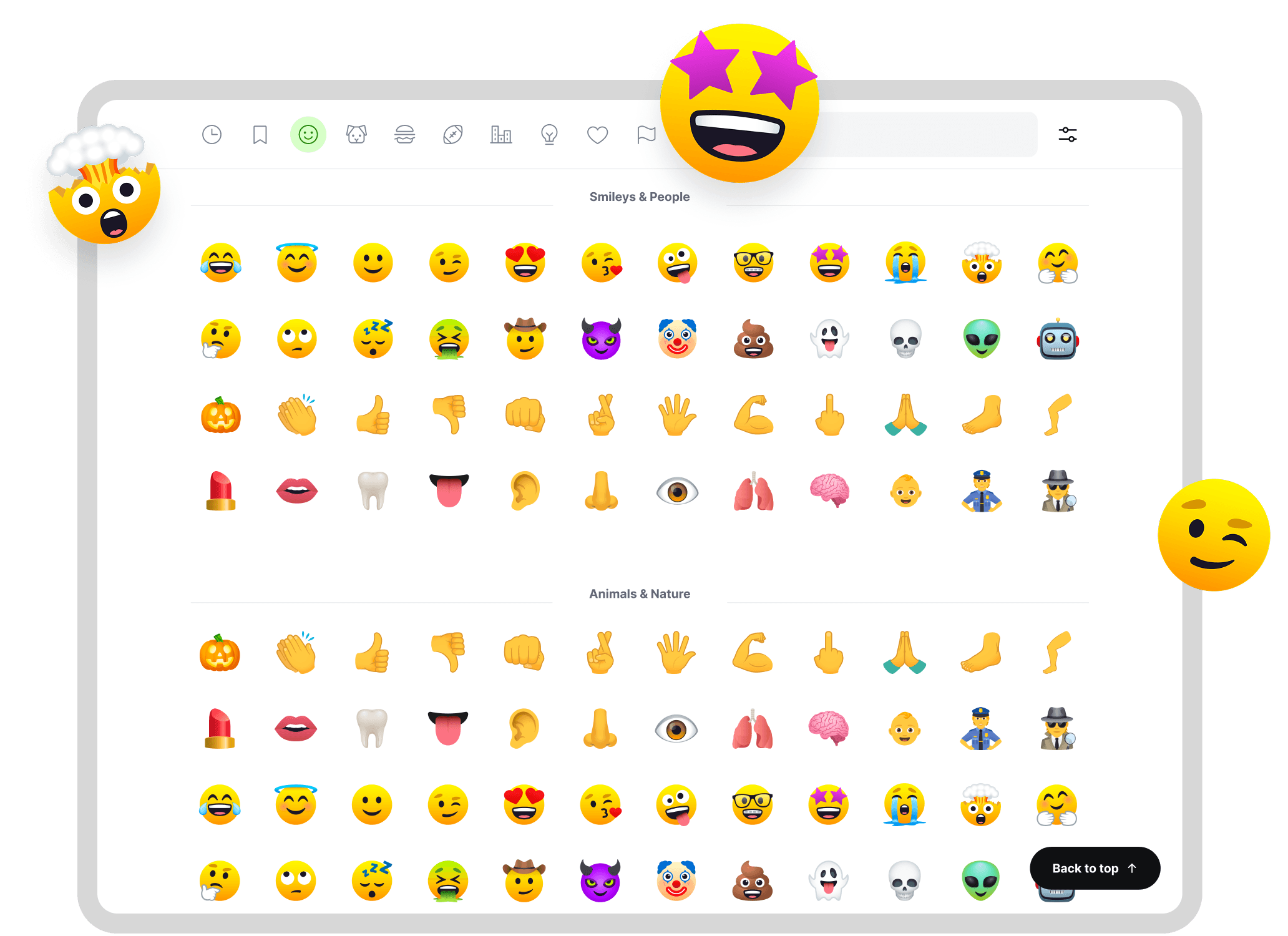
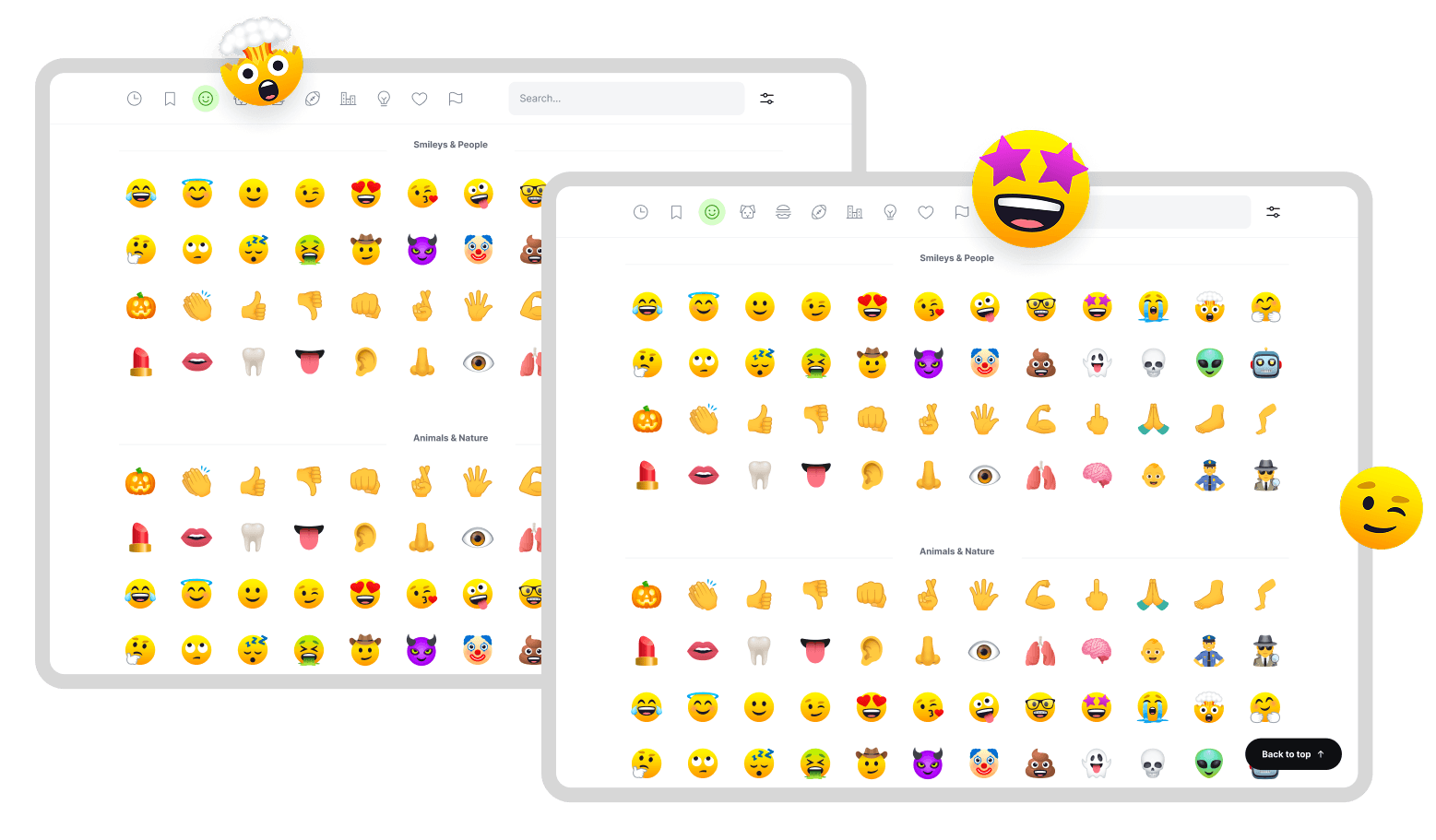
Emoji Keyboard by JoyPixels® is now EmojiCopy. Open it from the toolbar, keep it beside your page in Chrome’s side panel, and save the emoji you use most.

Emoji Keyboard by JoyPixels® is now EmojiCopy. The new extension brings faster search, a side panel you can keep open, and more ways to save the emoji you use.

Click the EmojiCopy icon in Chrome’s toolbar and the keyboard opens over your page. Click an emoji to copy it, then paste it where you need it.

Keep EmojiCopy open in Chrome’s side panel as you work. It stays beside the page, so you can add emoji to an email, a doc, or a design without opening the keyboard each time.
To turn it on, click the window icon at the top of EmojiCopy and choose Side panel.

Find the emoji you need without browsing every category. Search for “heart” and the matching emoji appear right away.
You can search by name or keyword. Just start typing when EmojiCopy opens.

Keep your go-to emoji close in Favorites. Click an emoji, then use the action bar menu to save it.
Your favorites are saved in My Emoji, ready the next time you need them.

Browse ready-made sets of emoji and add the ones you want. Each collection gathers emoji around a theme, like Celebrate, Sports, or Adventure.
Choose Add on a collection and it joins your library in My Emoji.

Select a few emoji and choose Save as combo from the action bar menu. The next time you need it, one click copies the whole combo.

Switch between light and dark mode, choose your skin tone, and adjust your emoji size. Keyboard shortcuts change all three without opening Settings.
The new EmojiCopy is available now in the Chrome Web Store.